PLC Troubleshooting Simulator — 12 Machine Faults, Runs in Your Browser
Practice finding the cause of a simulated PLC fault by comparing the ladder logic with the recorded inputs and outputs.
- Digital download
- English
Inside the download
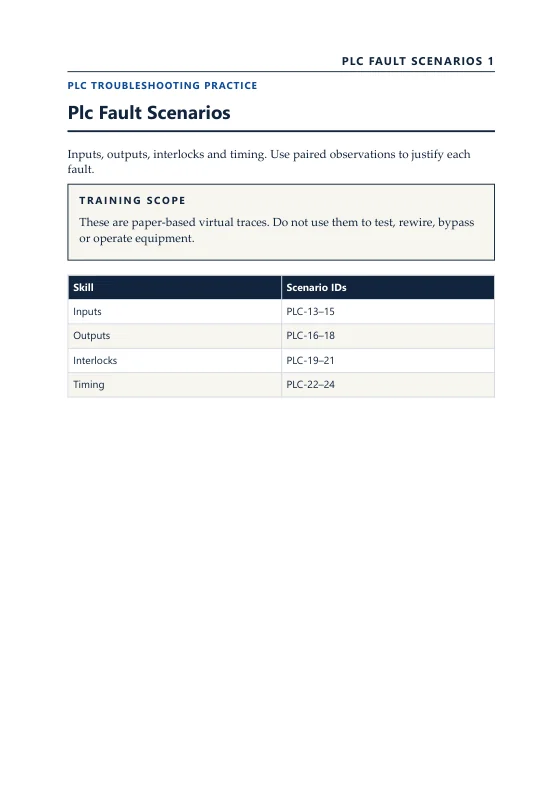
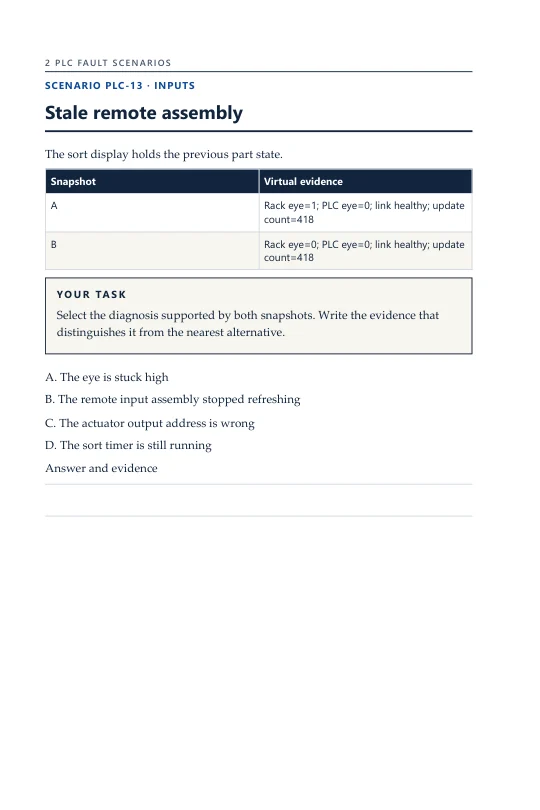
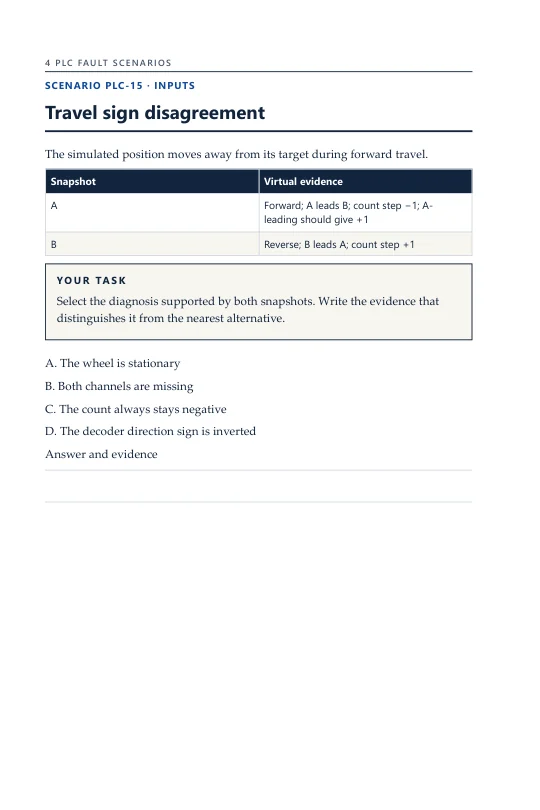
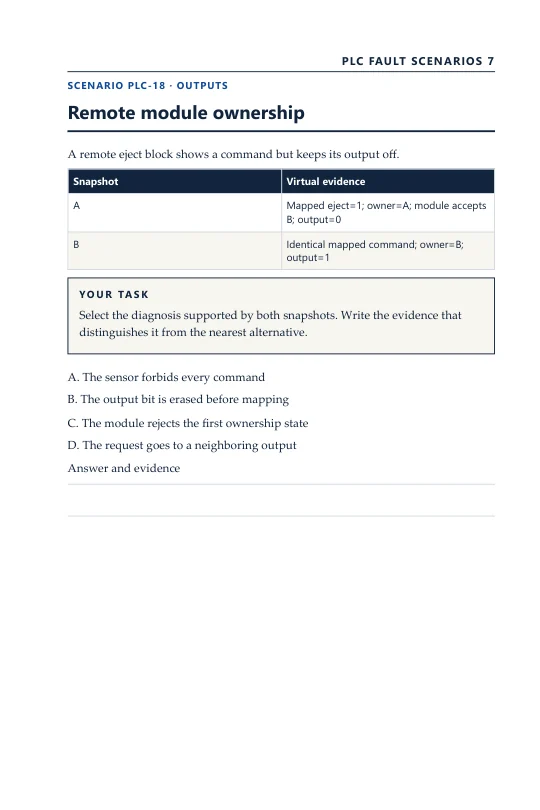
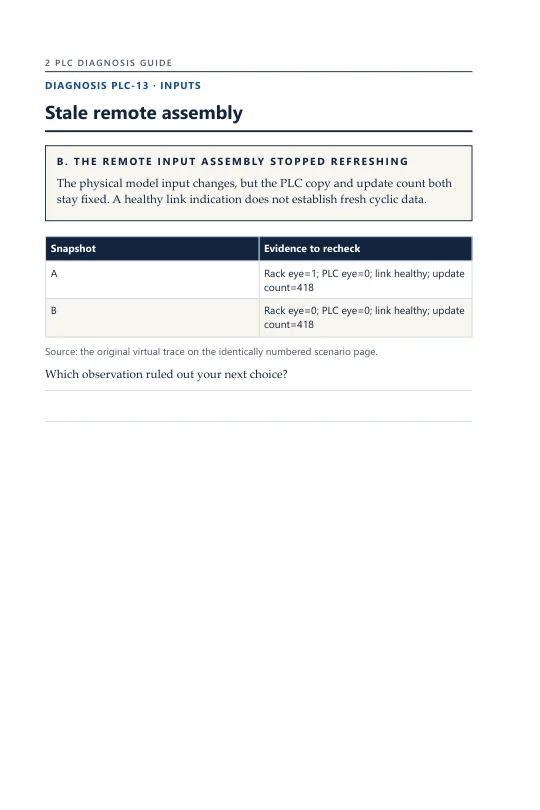
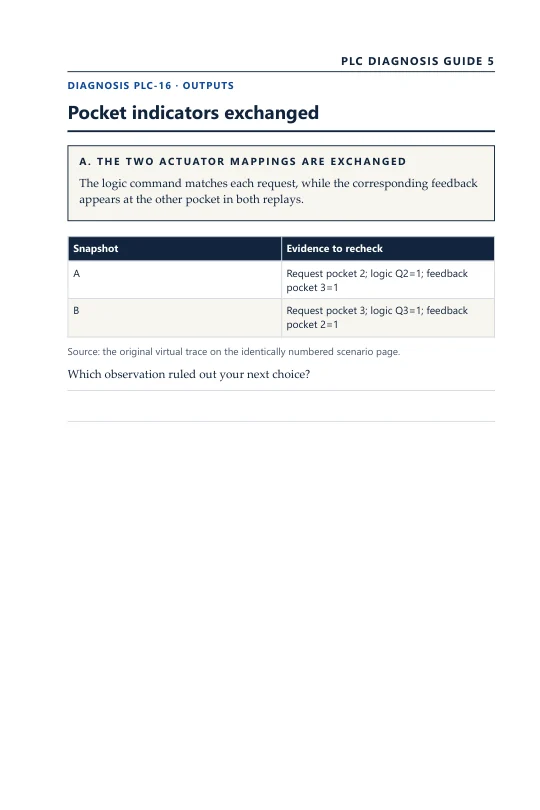
What you’ll practice
- Form a diagnosis from the simulated conditions and compare it with the worked explanation.
- Use the scenario PDF away from the simulator, then reopen the offline companion to repeat a case.
- Keep a short record of the evidence that changed your diagnosis.
What you’ll get
- 4 download entriesPDFs, tools and companion files available in the purchased download list.
- 12 additional simulated fault casesCases 13–24 come with a separate worked-diagnoses guide.
- 13 pages in PLC Troubleshooting Practice Scenarios 13–24PDF in the download list.
- 13 pages in PLC Troubleshooting Diagnoses 13–24PDF in the download list.
Compare practice formats
| Feature | This download | Separate resources |
|---|---|---|
| Practice format | Offline simulator, printable cases and worked diagnoses | Standalone ladder examples or short quizzes |
| Review | Works with the supplied files | Depends on the source material |
| Delivery | Downloadable files | Varies by source |
FAQ
How do I open the simulator?
Download and extract the ZIP. Open the start HTML file in a compatible desktop browser.
Do I need a physical PLC?
The examples run in the browser using simulated inputs and outputs.
Are there worked answers?
Yes. The added cases have a separate worked-diagnoses PDF.
How is the license scoped?
This is the individual edition for one person. The team edition covers internal use within one company.
Can I run the scenarios offline?
Yes. Download and extract the ZIP before disconnecting. The case and diagnosis PDFs also work locally.
How can I retry a case?
Reset the case in the simulator and write down your evidence before opening its diagnosis.