PLC Troubleshooting Simulator — 12 Machine Faults, Runs in Your Browser (Team)
Lead an offline PLC fault-finding lab with a simulator, worked diagnoses and a class progress sheet.
- Digital download
- English
Inside the download
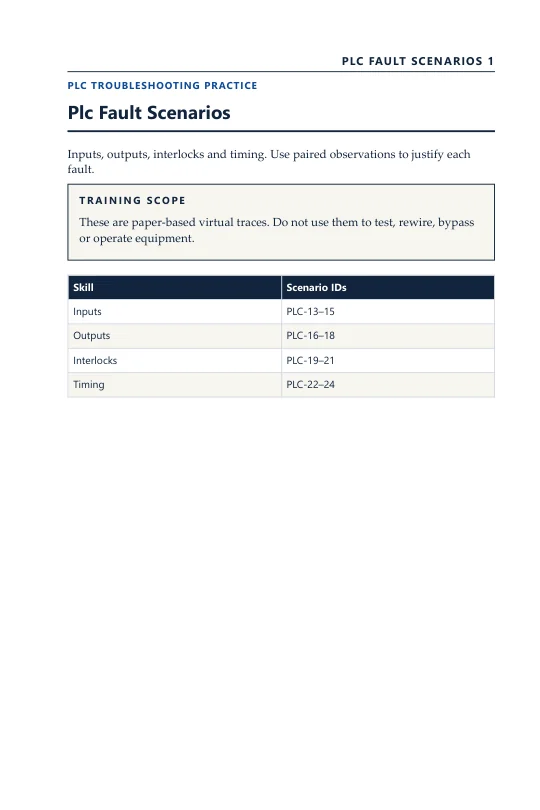
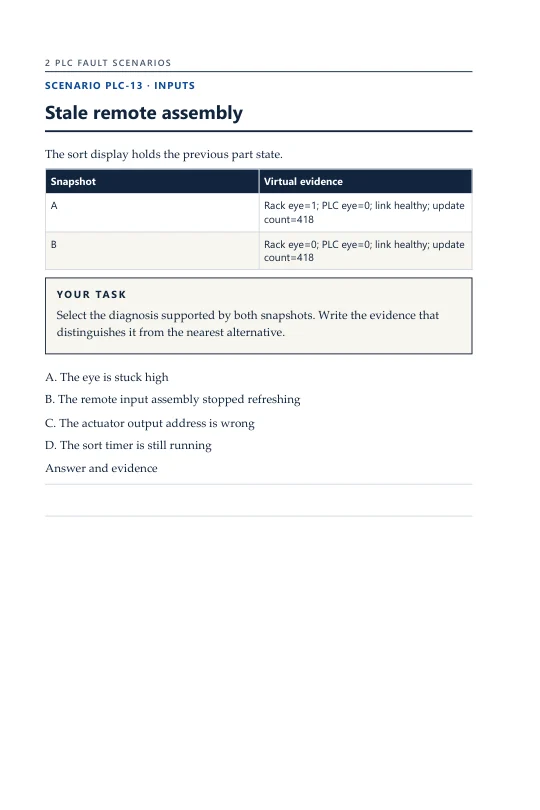
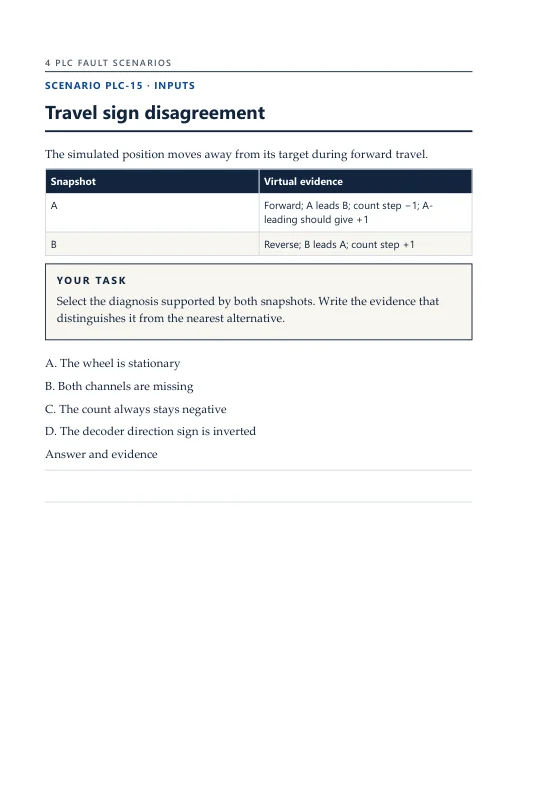
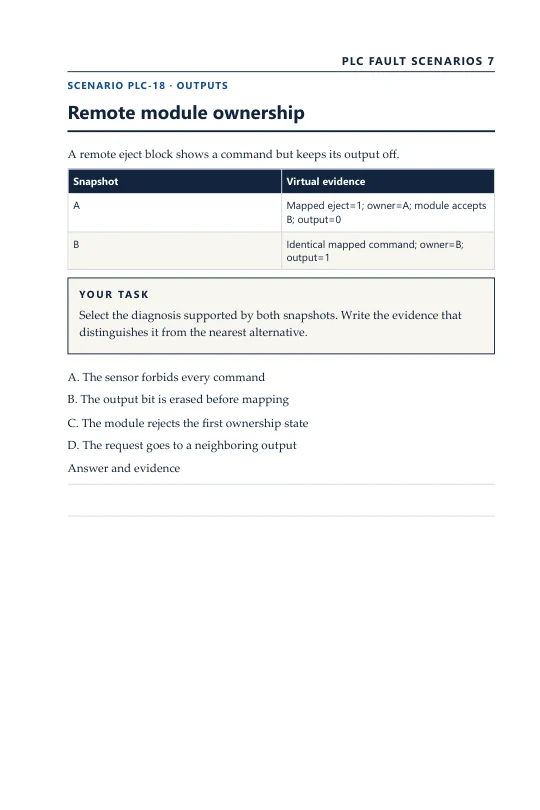
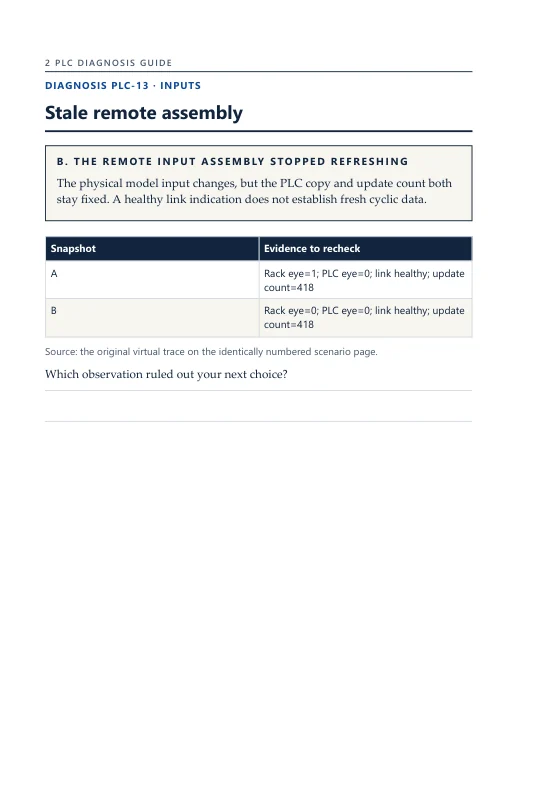
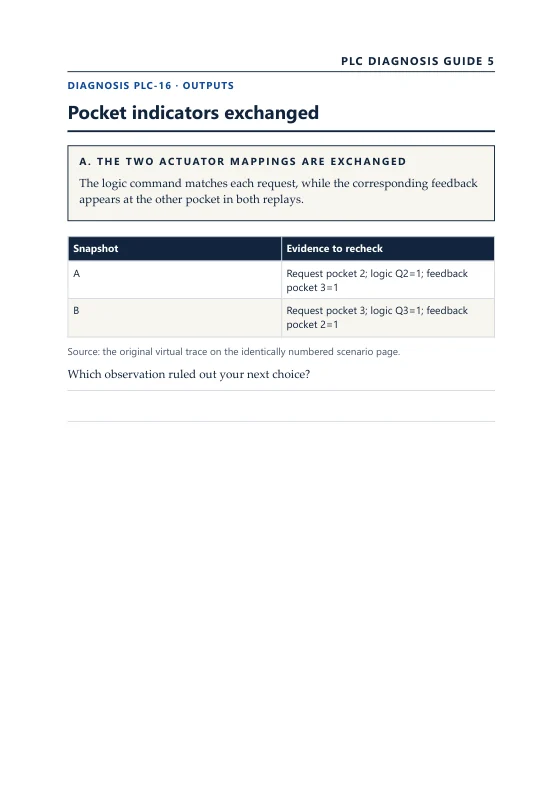
What you’ll practice
- Form a diagnosis from the simulated conditions and compare it with the worked explanation.
- Use the scenario PDF away from the simulator, then reopen the offline companion to repeat a case.
- Use the instructor guide and class progress files to organize a team session.
What you’ll get
- 5 download entriesPDFs, tools and companion files available in the purchased download list.
- 12 additional simulated fault casesCases 13–24 come with a separate worked-diagnoses guide.
- 13 pages in PLC Troubleshooting Practice Scenarios 13–24PDF in the download list.
- 13 pages in PLC Troubleshooting Diagnoses 13–24PDF in the download list.
Compare practice formats
| Feature | This download | Separate resources |
|---|---|---|
| Practice format | Offline simulator, printable cases and worked diagnoses | Standalone ladder examples or short quizzes |
| Review | Practice and reference material in the same download | Gather the answer material separately |
| Materials | Track class progress in the editable template | Depends on the resource |
| Delivery | Downloadable files | Varies by source |
FAQ
How do I open the simulator?
Download and extract the ZIP. Open the start HTML file in a compatible desktop browser.
Do I need a physical PLC?
The examples run in the browser using simulated inputs and outputs.
Are there worked answers?
Yes. The added cases have a separate worked-diagnoses PDF.
How is the license scoped?
The team edition is for internal use within one company, with unlimited internal users.
Can I run the scenarios offline?
Yes. Download and extract the ZIP before disconnecting. The case and diagnosis PDFs also work locally.
What comes with the team files?
The team edition includes an instructor guide, sign-off files and a class progress template with instructions.